Choosing a 4K Smart Projector With WiFi & Bluetooth
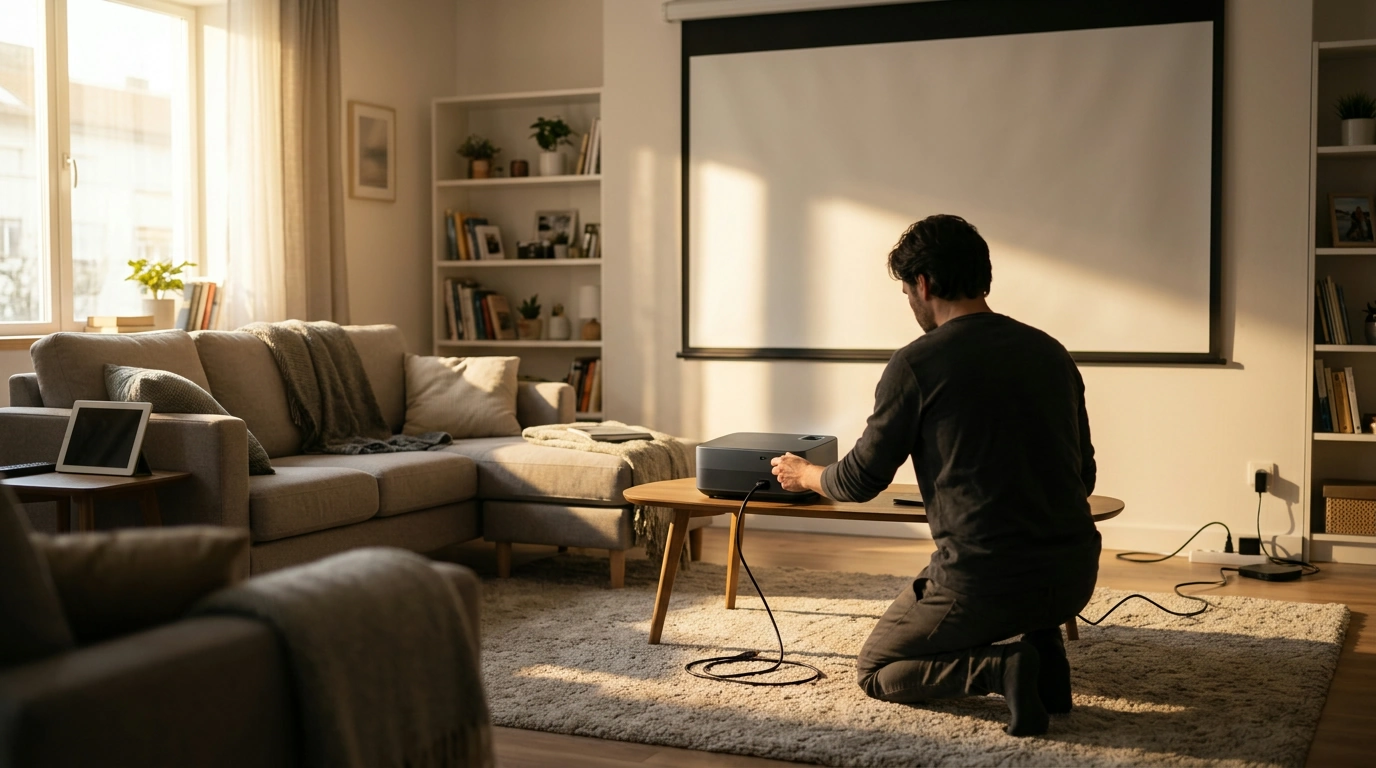
Q: What is a good 4K smart projector with WiFi and Bluetooth?
A good “4K smart” projector is one that fits your room and habits first, then checks the right boxes: smooth wireless streaming, reliable Bluetooth audio, and sharp focus that doesn’t require constant tinkering. Our team typically steers you toward a projector that supports 4K input, uses a crisp native resolution (often native 1080p), and pairs it with strong auto-focus/auto-keystone so your picture stays clean even when you’re moving it between rooms.
A: What to look for so you end up with the right projector
1) True-to-life sharpness (not just “4K” on the label)
Many projectors advertised as 4K are “4K-supported,” meaning they accept a 4K signal but display at native 1080p. That can still look excellent at typical viewing distances, especially for movies and casual sports, but it’s worth confirming native resolution and how the projector handles 4K input.
2) Smart features that match how you watch
If you want a simple setup, look for a built-in smart interface so you can open streaming apps without plugging in extra devices. If you already use a streaming stick, prioritize fast WiFi (stable dual-band performance helps) and easy source switching over fancy menus.
3) WiFi for streaming and screen mirroring
For smooth playback, you want consistent WiFi rather than peak speed on paper. Stable wireless matters most if you’ll mirror a phone/tablet or stream in a room farther from your router.
4) Bluetooth that actually fits your audio setup
Bluetooth is ideal for pairing a soundbar or speaker quickly. For movie nights, also consider whether the projector offers a wired audio option, since wired connections can reduce lag versus Bluetooth.
5) Setup helpers: auto-focus and auto-keystone
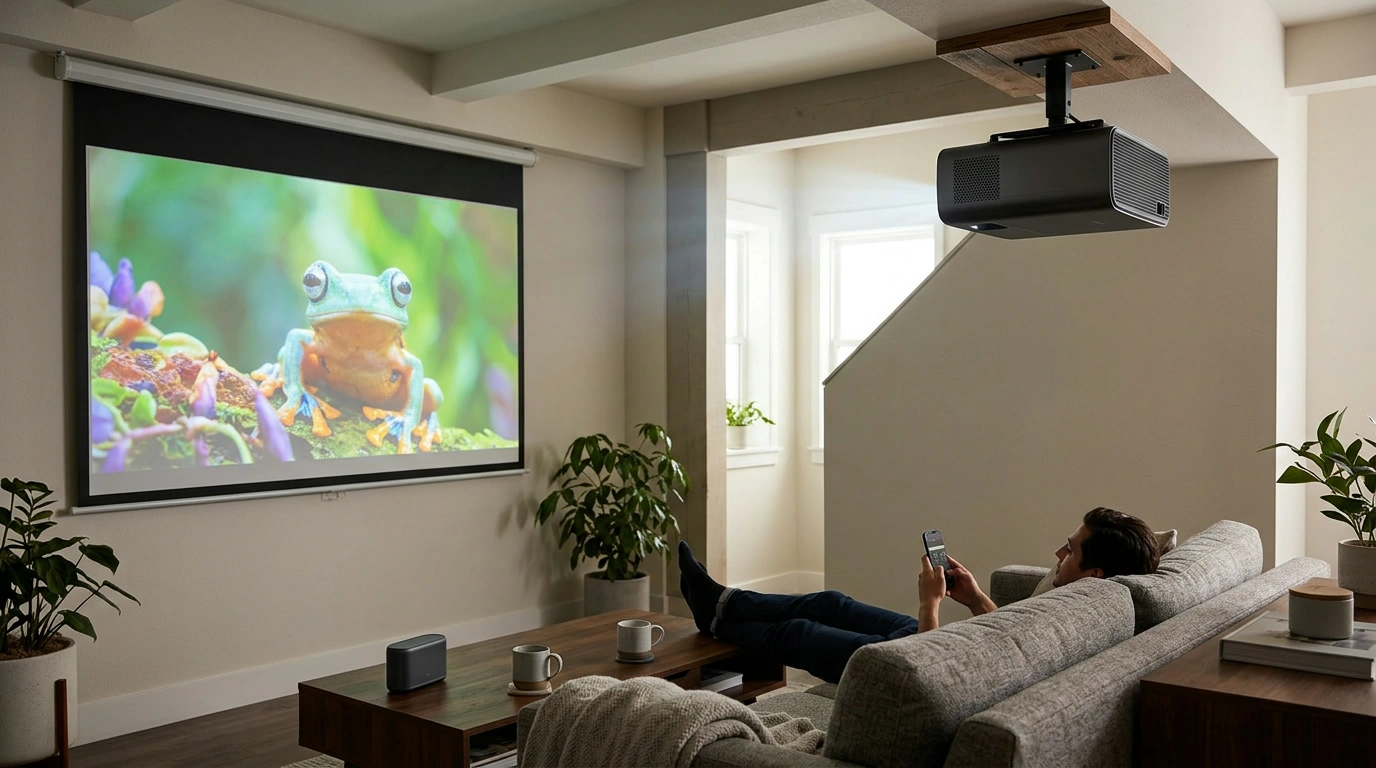
These features make a projector feel “smart” day to day. If you’ll place it on a coffee table, move it between rooms, or project at an angle, auto-adjustments save time and keep text and subtitles readable.
For a deeper breakdown of these features and what to prioritize, use our guide here: https://prismelle.shop/guide-native-1080p-4k-projector-auto-focus-wifi-bluetooth/.
FAQ
How many lumens do you need for a projector in a bright room?
For daytime or rooms with lots of ambient light, higher brightness is better, but the biggest improvement often comes from controlling light with curtains or positioning. If you can’t darken the room, prioritize brightness and contrast over extra resolution.









Leave a comment