How to Keep AirPods Max From Falling Off
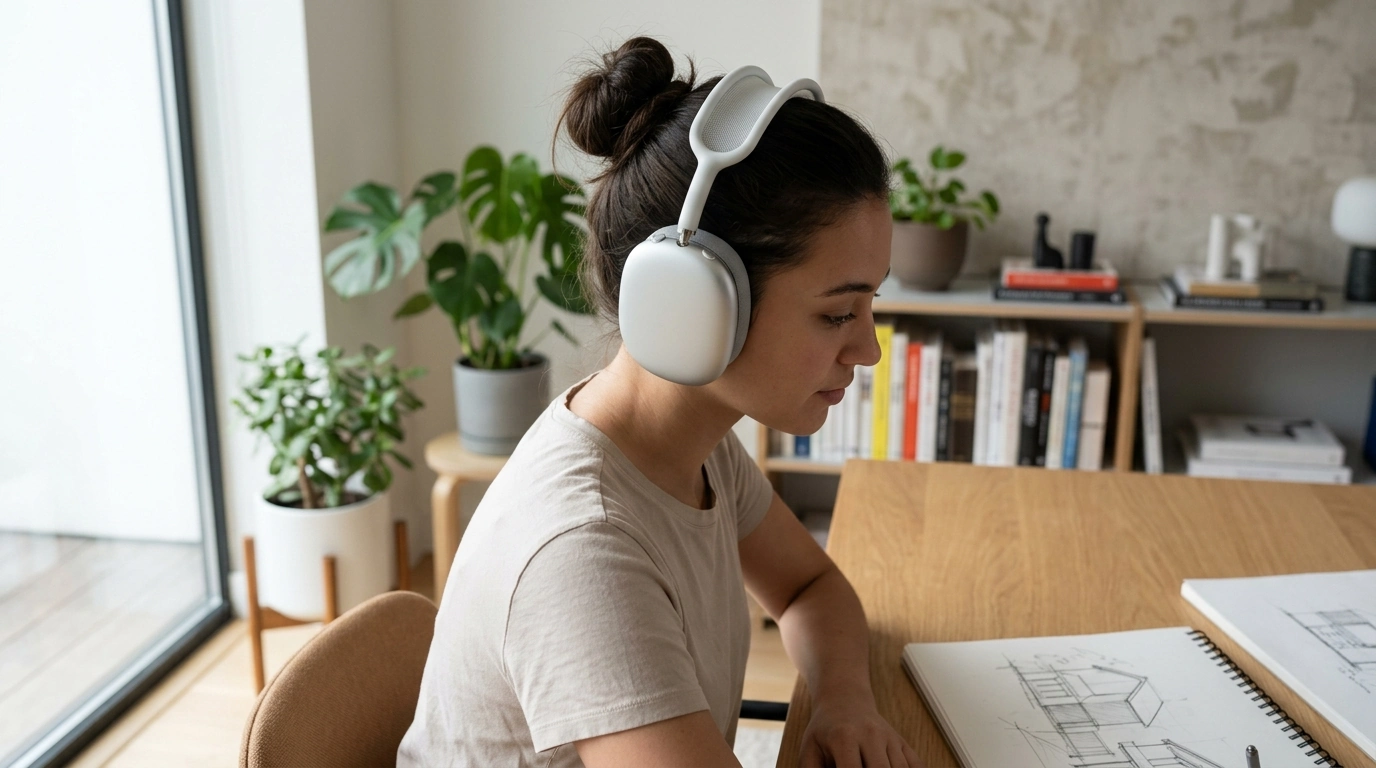
How can you keep AirPods Max from falling off?
AirPods Max sit over your ears rather than inside them, so a secure fit depends on how the headband and ear cushions rest against your head. Start by positioning the headband across the top of your head, then extend or shorten each side until the cushions fully surround your ears without feeling strained.
If the headphones shift when you walk or lean forward, make small adjustments on both sides. Our team recommends getting the fit right before adding accessories: a cover can improve grip, but it cannot compensate for headphones that are positioned too loosely.
What adjustments help AirPods Max stay in place?
Center the headband
Place the headband near the center of the top of your head, not far back toward your neck. Keep the ear cups level and adjust the telescoping arms so each cushion sits evenly around your ear.
Clear hair and accessories from the cushions
Thick hair, a hat, or bulky glasses arms can prevent the cushions from resting evenly against your head. Move hair away from the cushion edges and try the headphones without a hat to see whether the fit improves. You can still wear glasses, but a flatter temple design may feel more stable.
Test the fit with gentle movement
Turn your head from side to side and lean forward slightly. If the headphones slide, readjust the arms and center the headband again. They should feel secure without excessive pressure; do not bend the headband to make it tighter.
Can silicone covers improve grip?
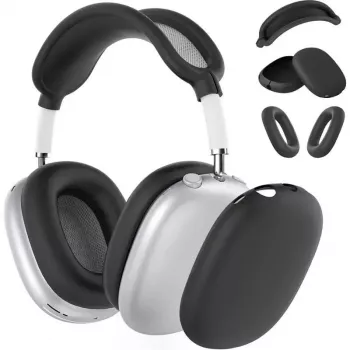
Soft silicone accessories may add friction where the headphones contact your head or hair. A headband cover can be worth trying if the mesh slides on your hair, while ear cushion covers may change how the cups feel against your skin. Fit and comfort vary, so make sure any cover sits flat and does not interfere with the cushions or controls.
For an overview of protective accessories, see our guide to a 3-in-1 soft silicone AirPods Max protector case. Our preference is to choose accessories that protect the headphones while allowing you to adjust them normally.
Are AirPods Max suitable for vigorous exercise?
For running, jumping, or other vigorous movement, over-ear headphones may shift even when adjusted properly. AirPods Max are not water resistant, so keep them away from sweat and moisture. For workouts, consider headphones designed for active use instead.
FAQ
How should you clean AirPods Max ear cushions?
Remove the cushions and follow Apple’s cleaning instructions, using a soft, lint-free cloth and avoiding excess moisture. Let them dry completely before reattaching them.







Leave a comment